



Order Pad
Introduction:
This tutorial will guide you through the process of efficiently placing an order using the order pad features in the MSC Direct application.
Detailed Step by Step Guide:
Enter up to 5 part numbers here and click add to cart to streamline your ordering.
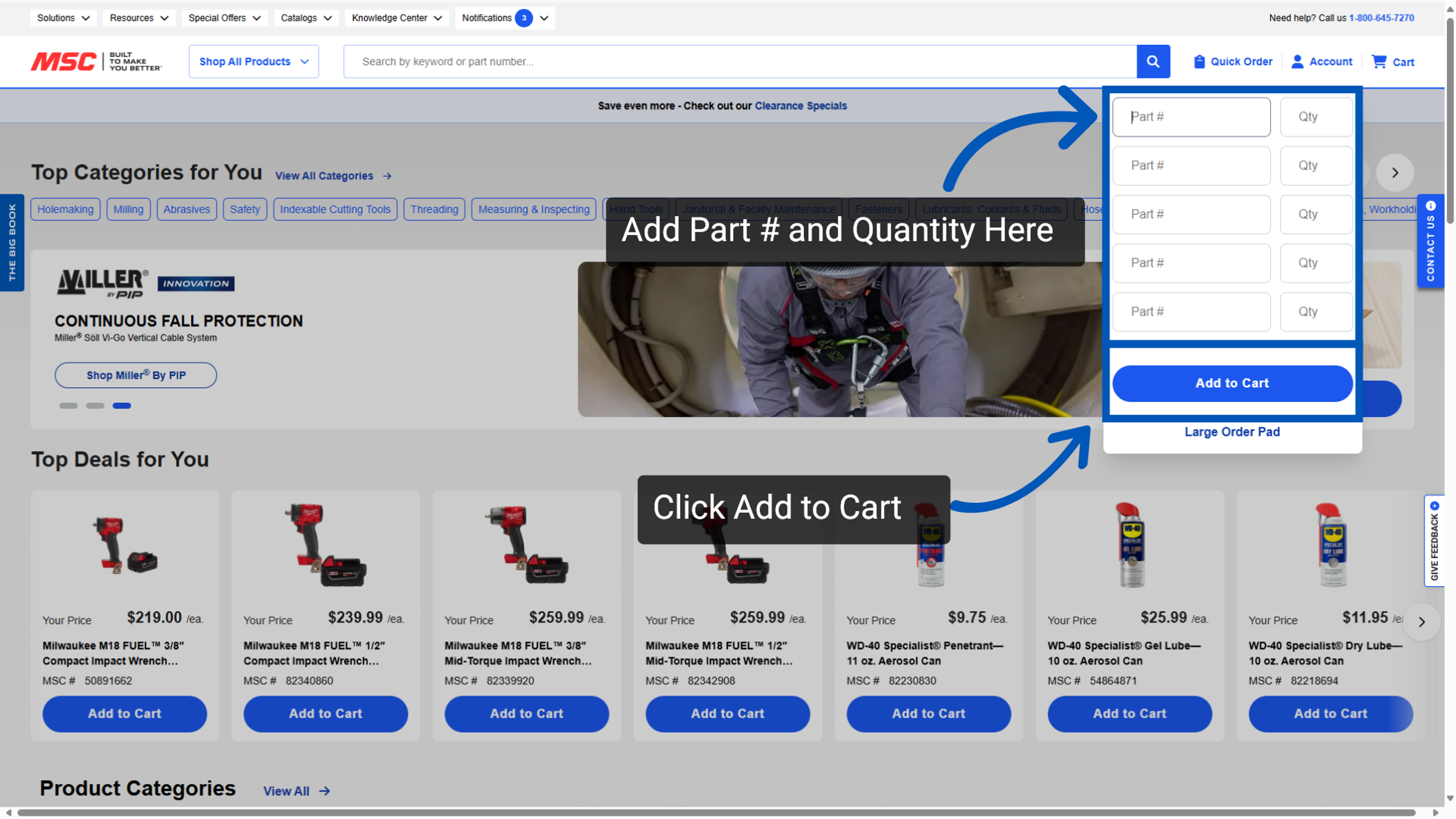
Alternatively, you can utilize the "Large Order Pad" for bulk ordering.
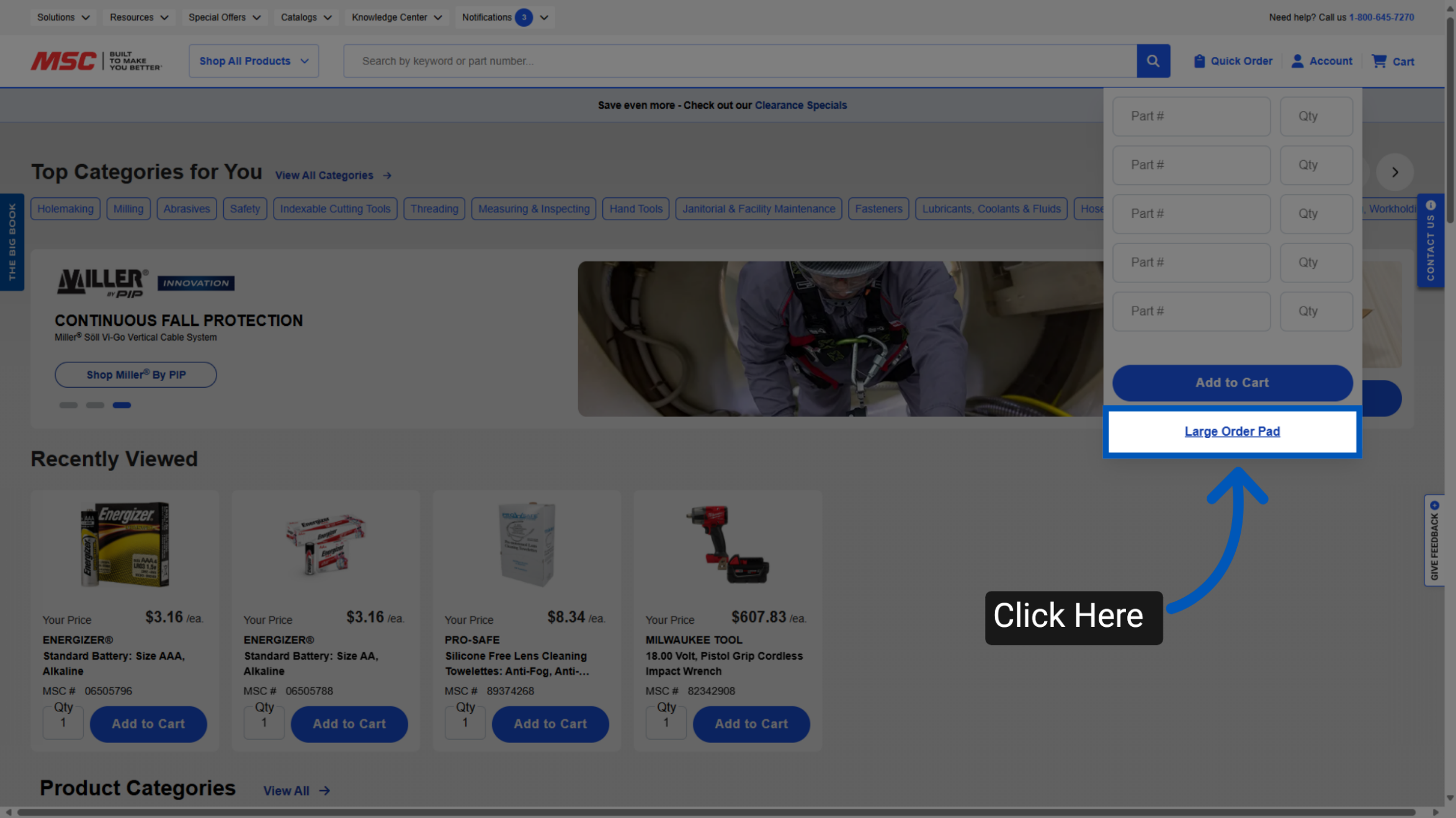
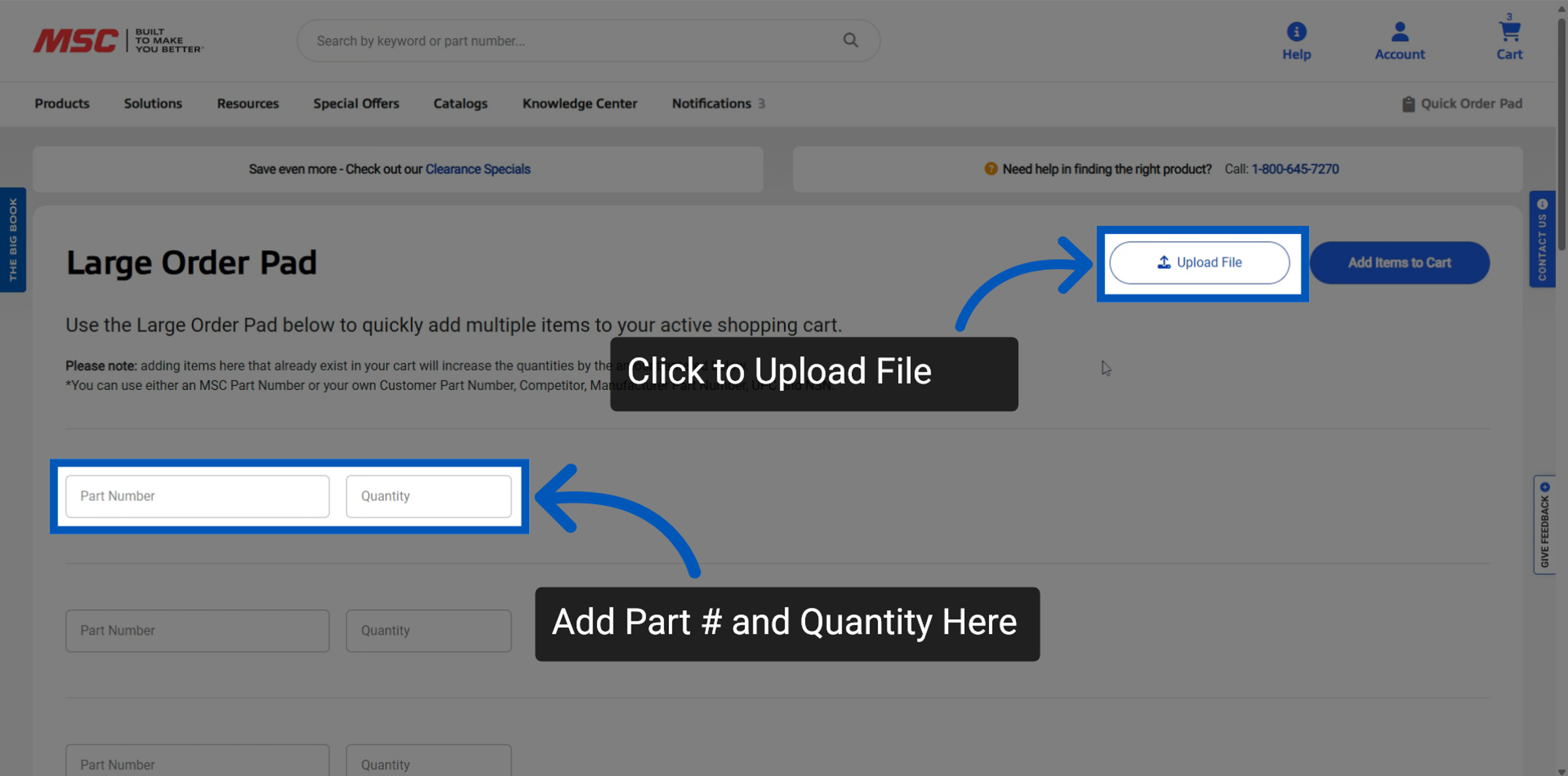
You have two options to add items through the Large Order Pad:
Upload a file - This will allow you to bulk upload a large number of items at one time
Add the part numbers individually
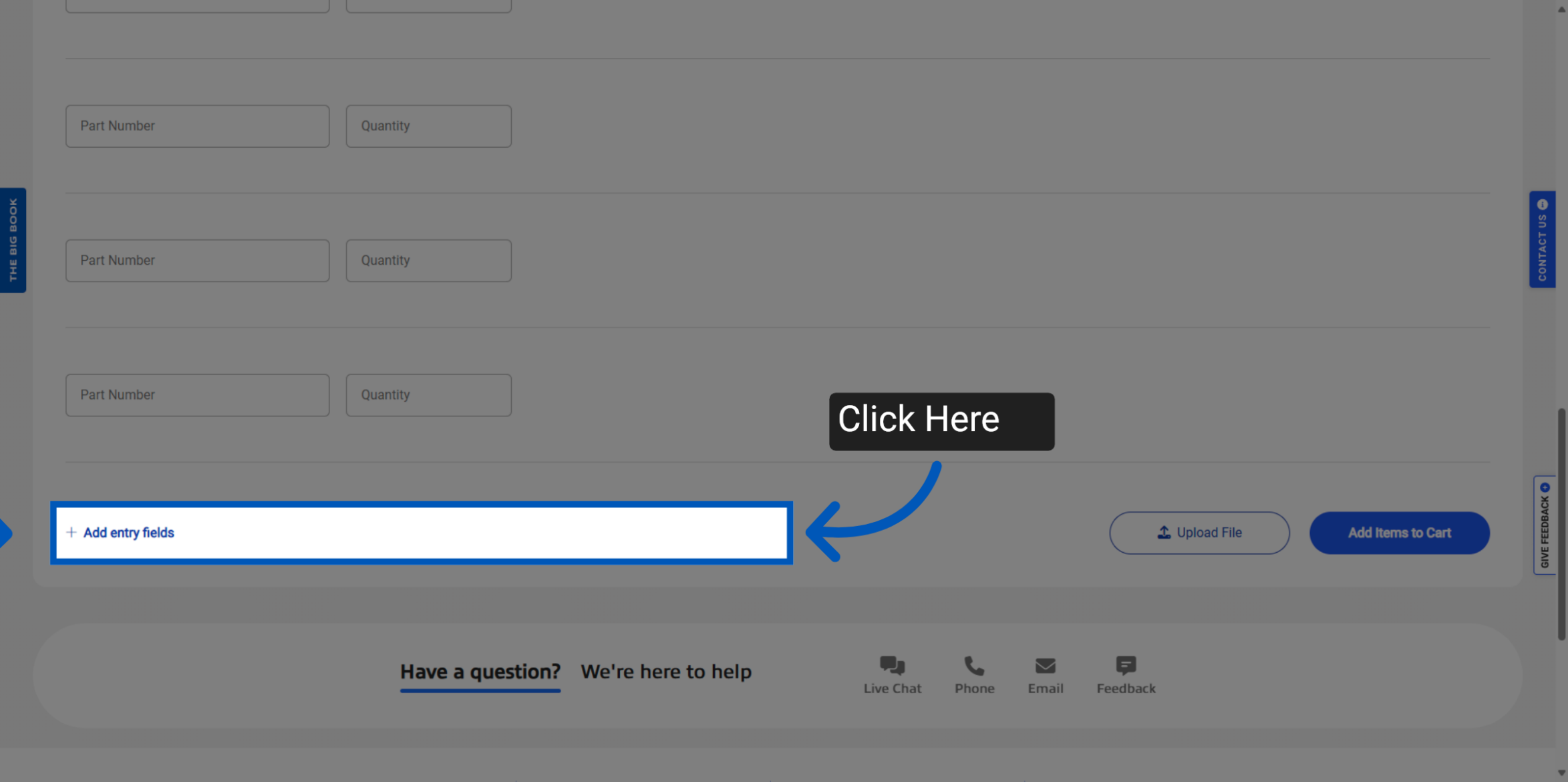
If you need to add more items individually scroll down to the bottom of the page to add more entry fields
After manually adding items they will appear in the large order pad, with part number, quantity and a brief item description.
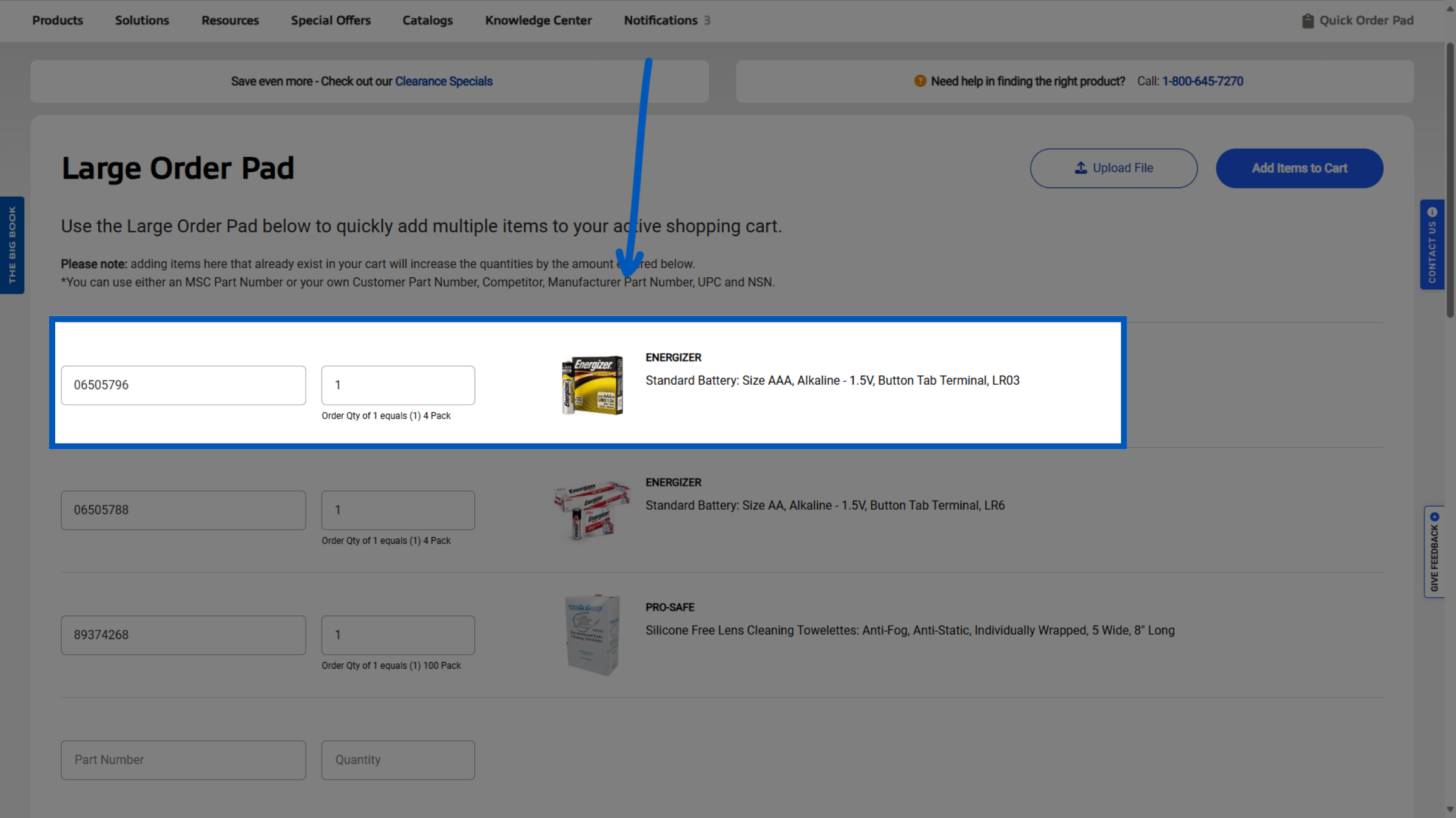
Once you have your items entered click "Add To Cart".
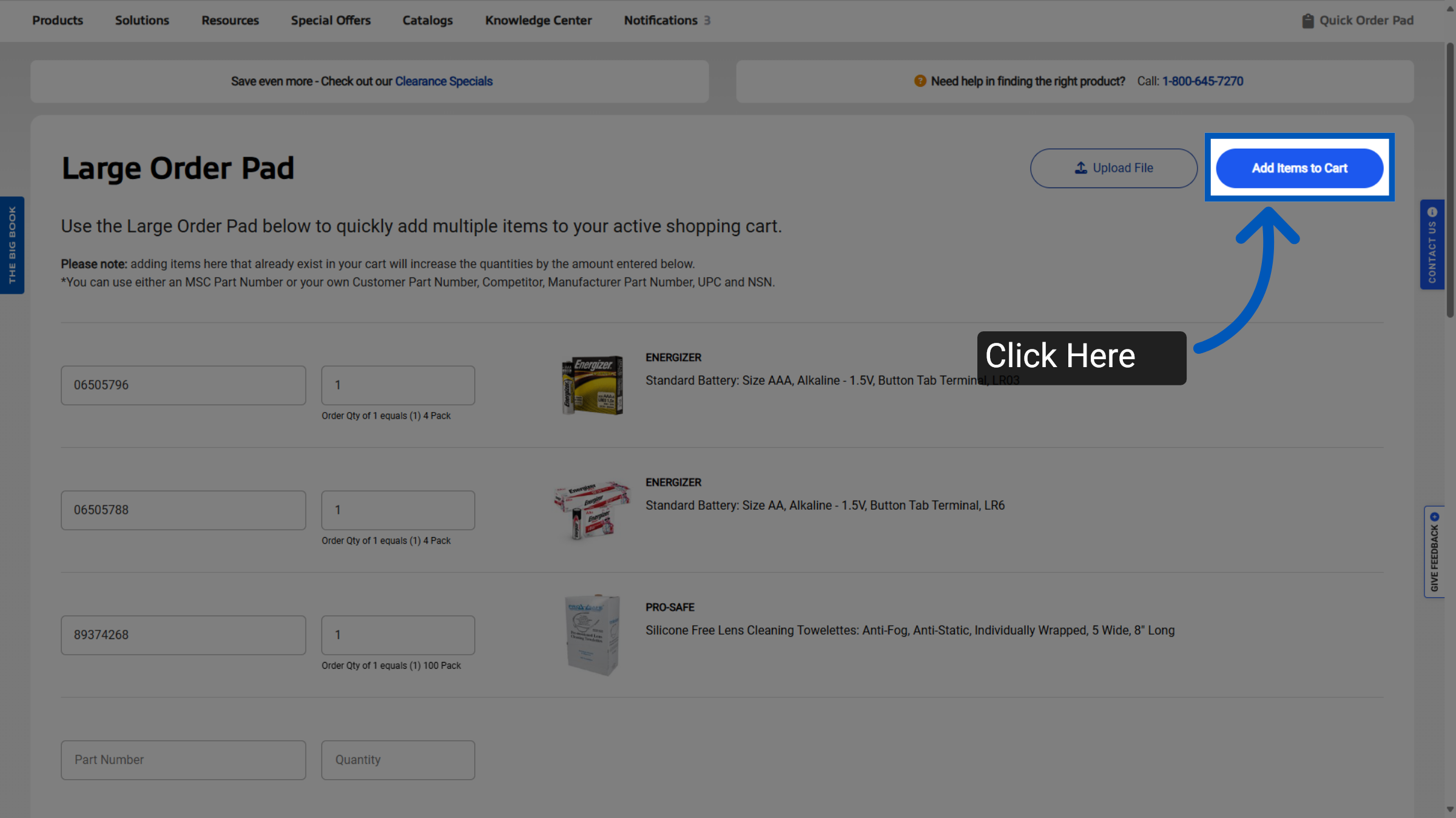
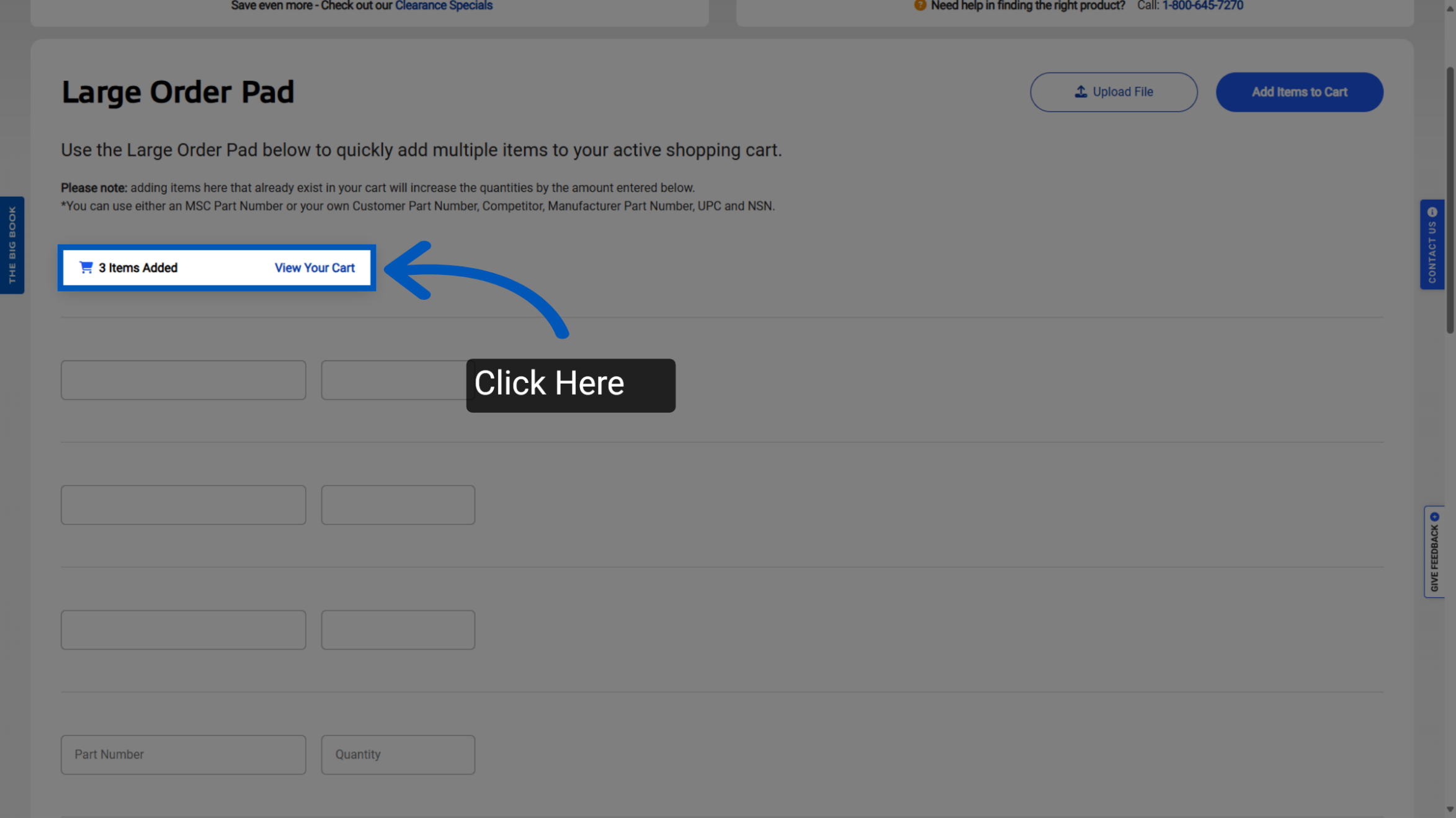
This action will add the items to your cart and clear your large order pad. Click "View Your Cart" to review your selections and proceed to checkout.
To request a quote, please login to your existing account or register a new one. This helps us provide you with a personalized experience and keep track of your requests.