



Order Tracking
Detailed Step by Step Guide:
Before starting, ensure you have access to your email account where order notifications are received. By following these steps, you will be able to view your shipment status and sign up for delivery notifications.
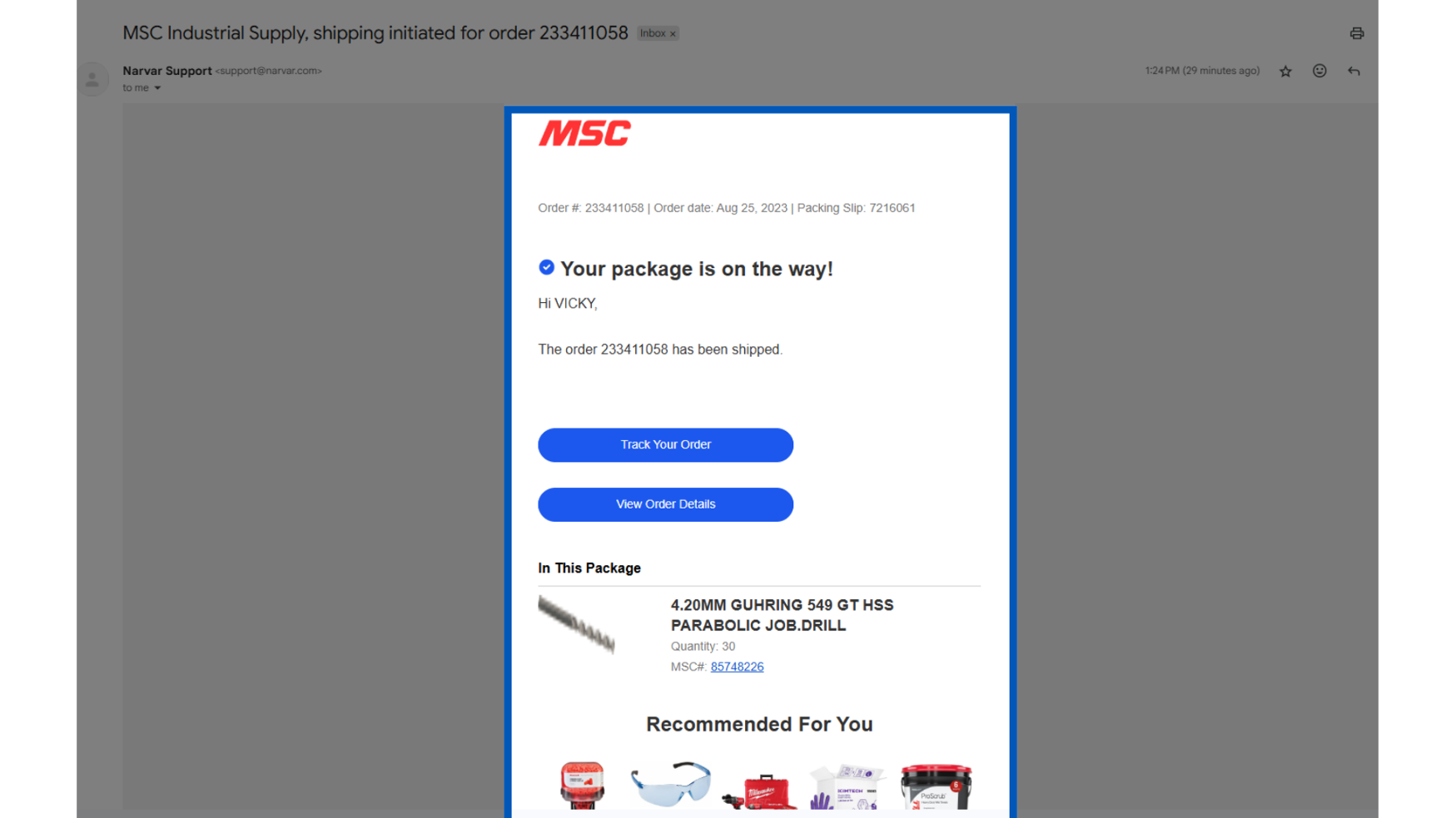
This email will come from this email address: email@nav.mscdirect.com. If you are not receiving this email, please check your junk mail, or your settings on MSCDirect.com.
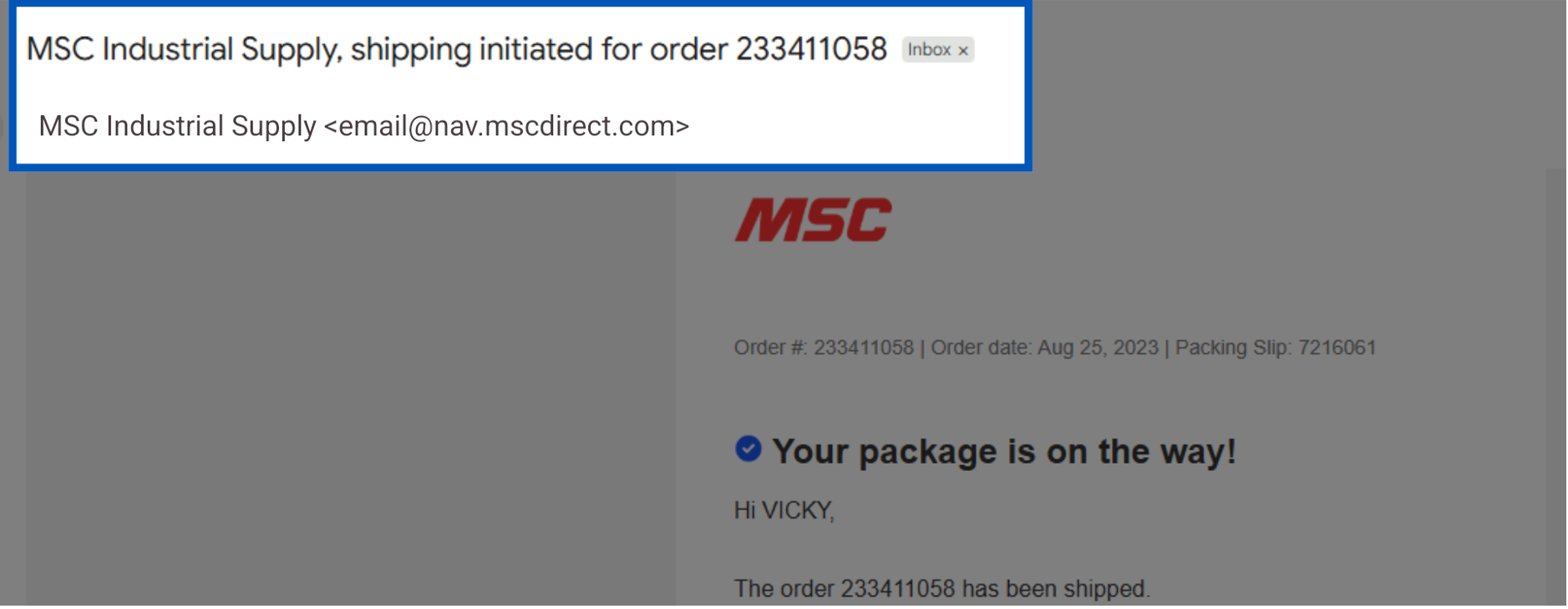
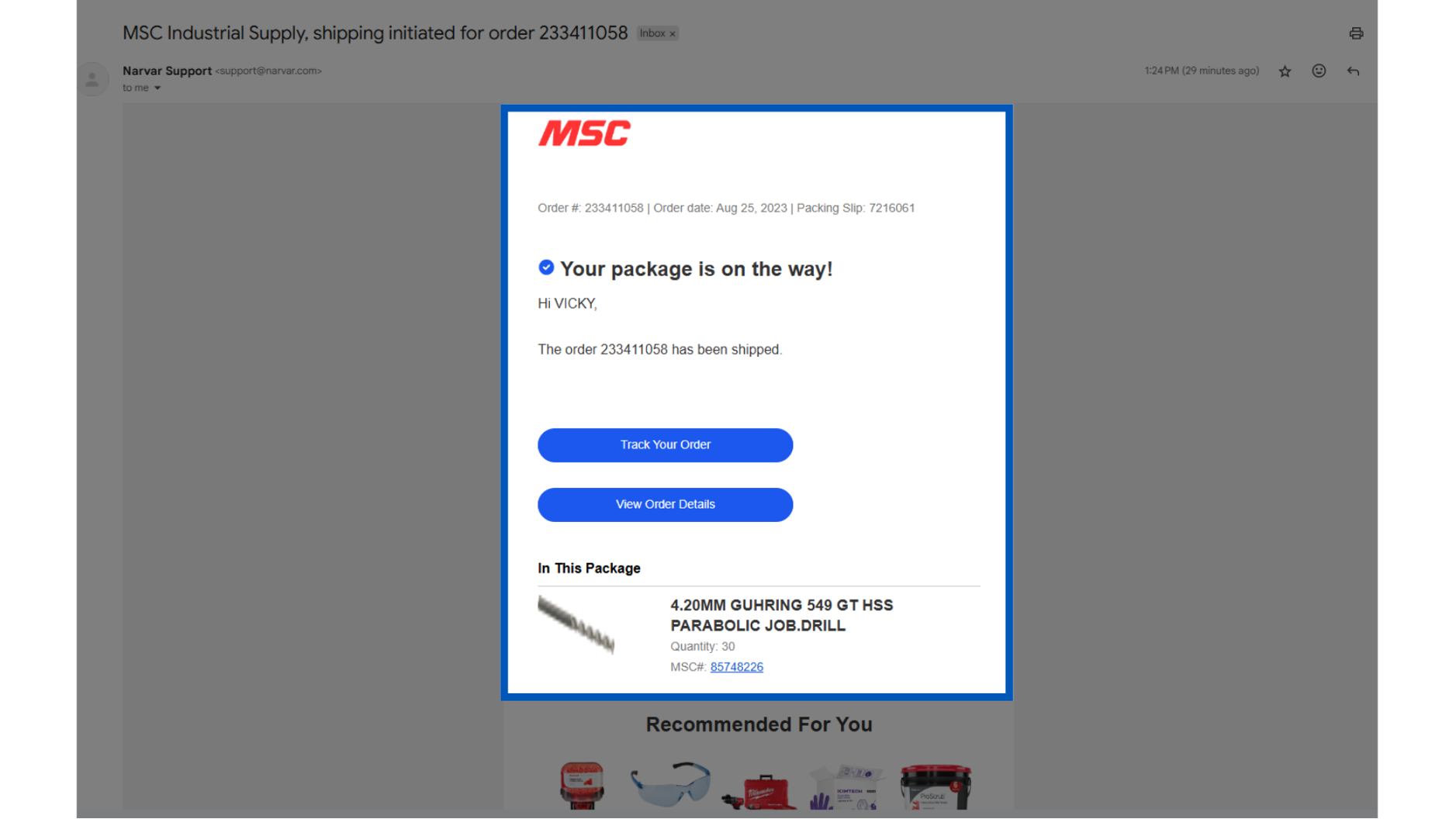
This email will contain all of your package's details, such as Order Number, Order Date, Packing slip number, and "what’s in your package".
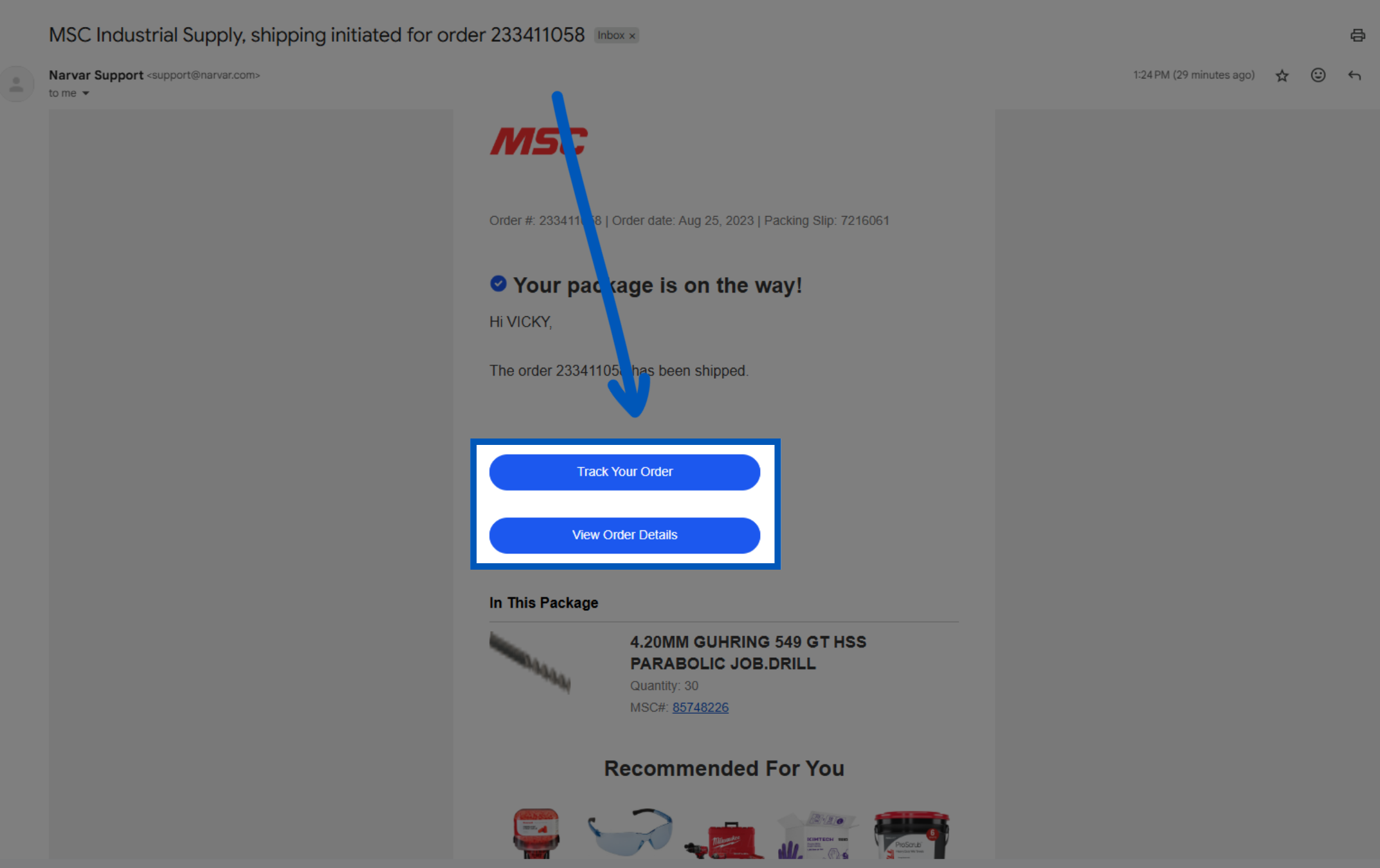
Outside of your order details you have a couple options to click on. Clicking on "Track Your Order" will take you to MSC's order tracker.
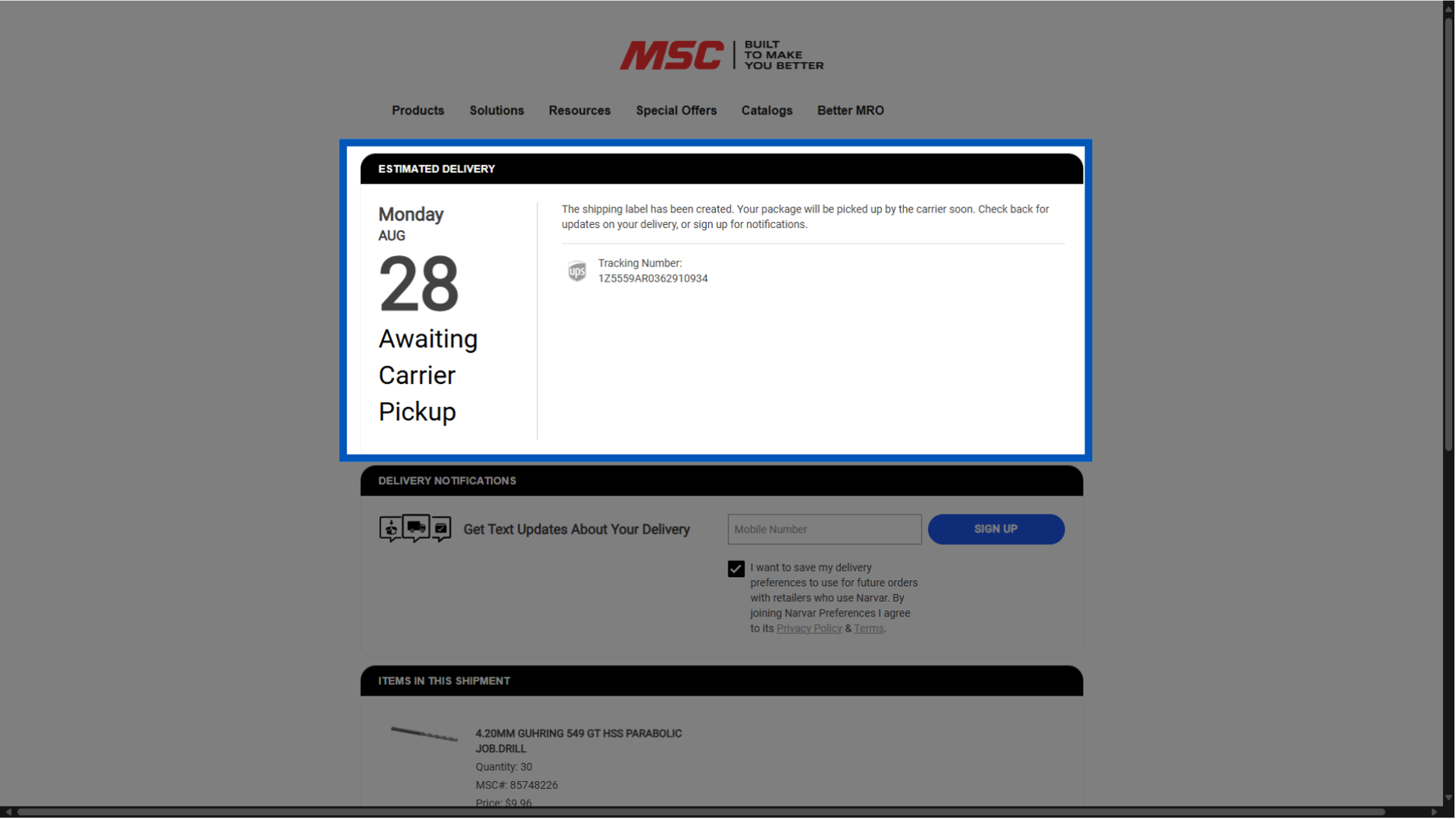
Upon clicking, you will be taken to the order tracker, showing your estimated delivery date. This will also show you the tracking number.
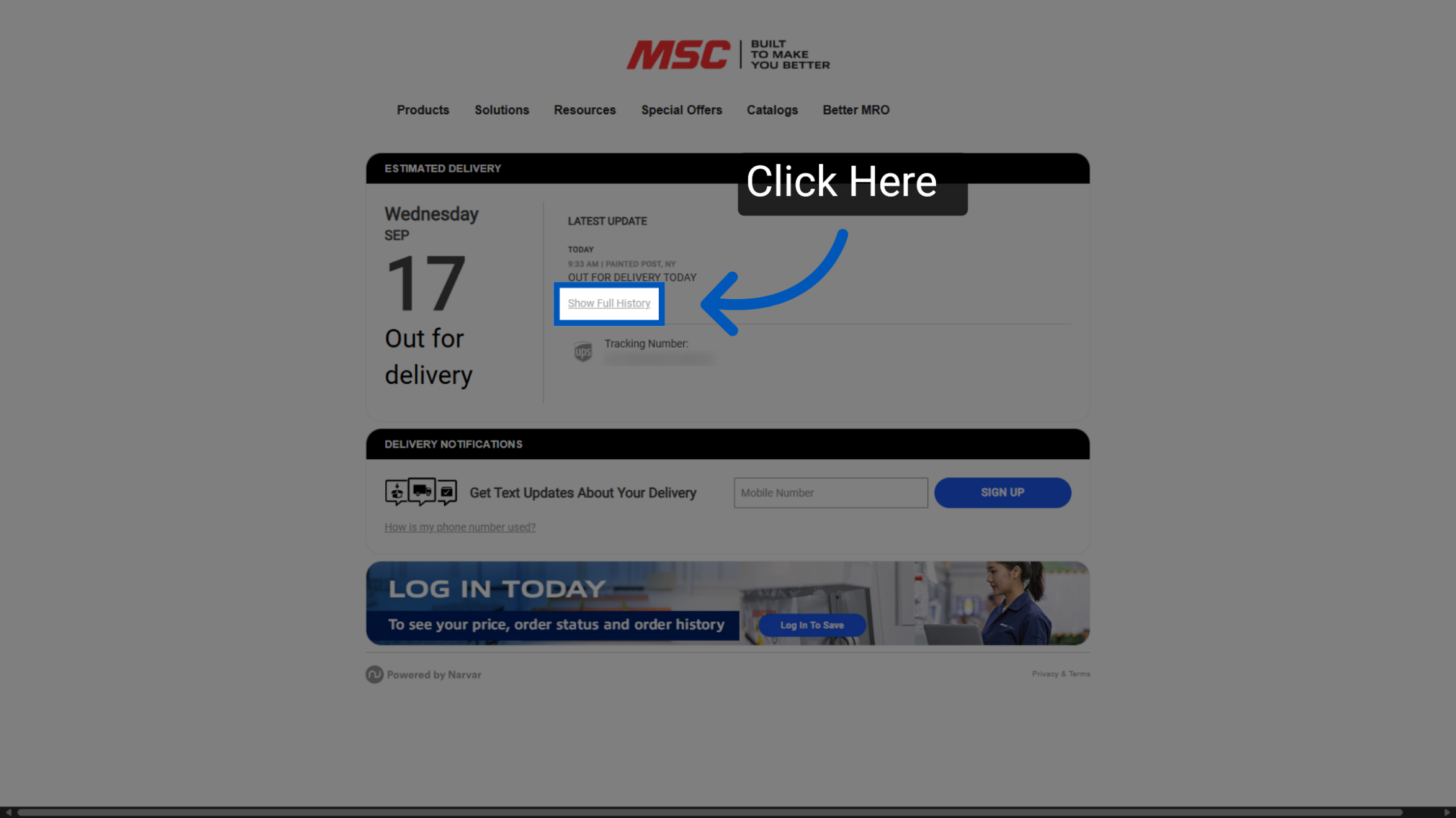
Once the order starts moving through the delivery process, click "Show Full History" to view all tracking events.
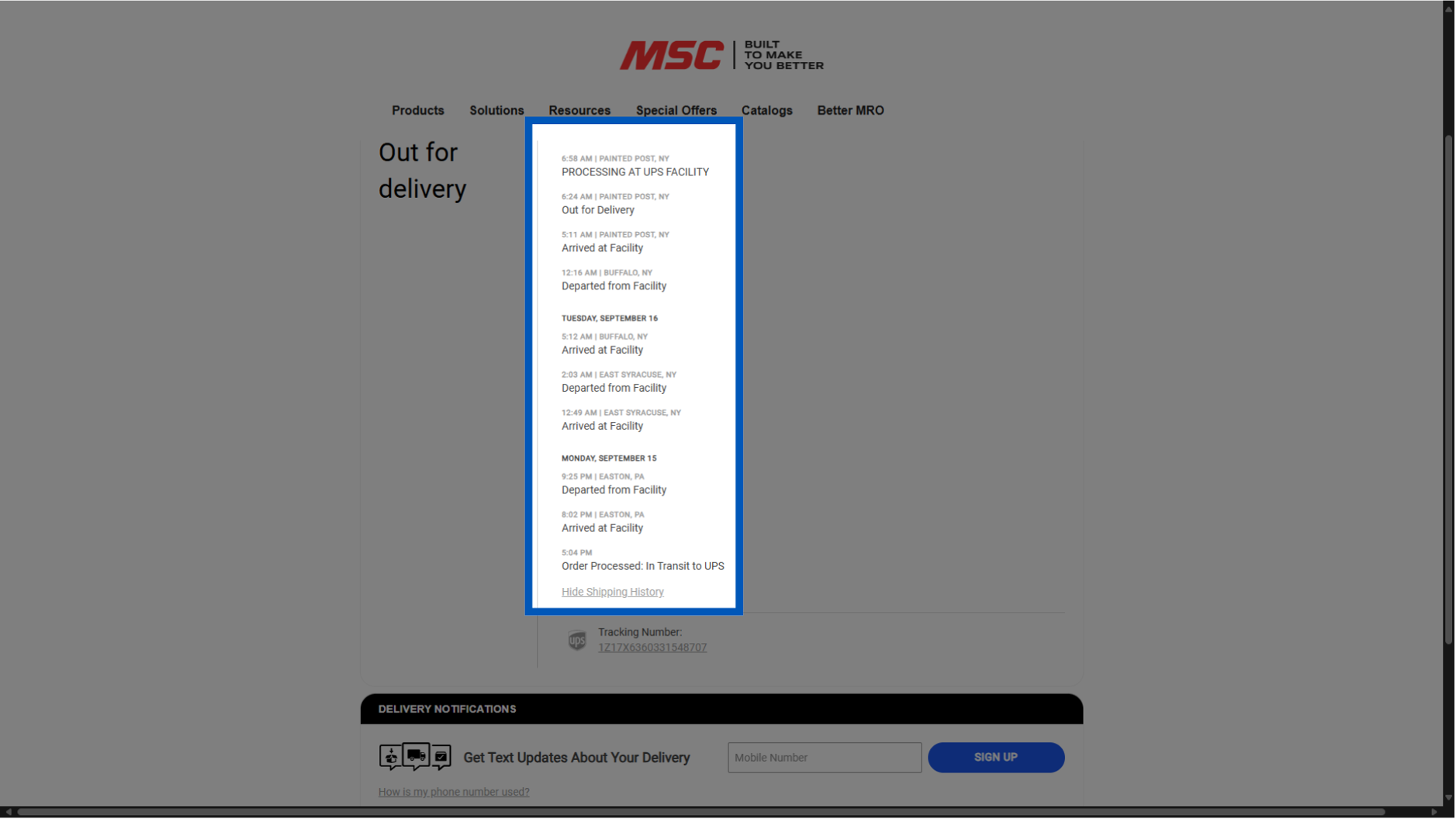
Upon clicking, you will see an expanded view of all the stops your package has made along the way to you.
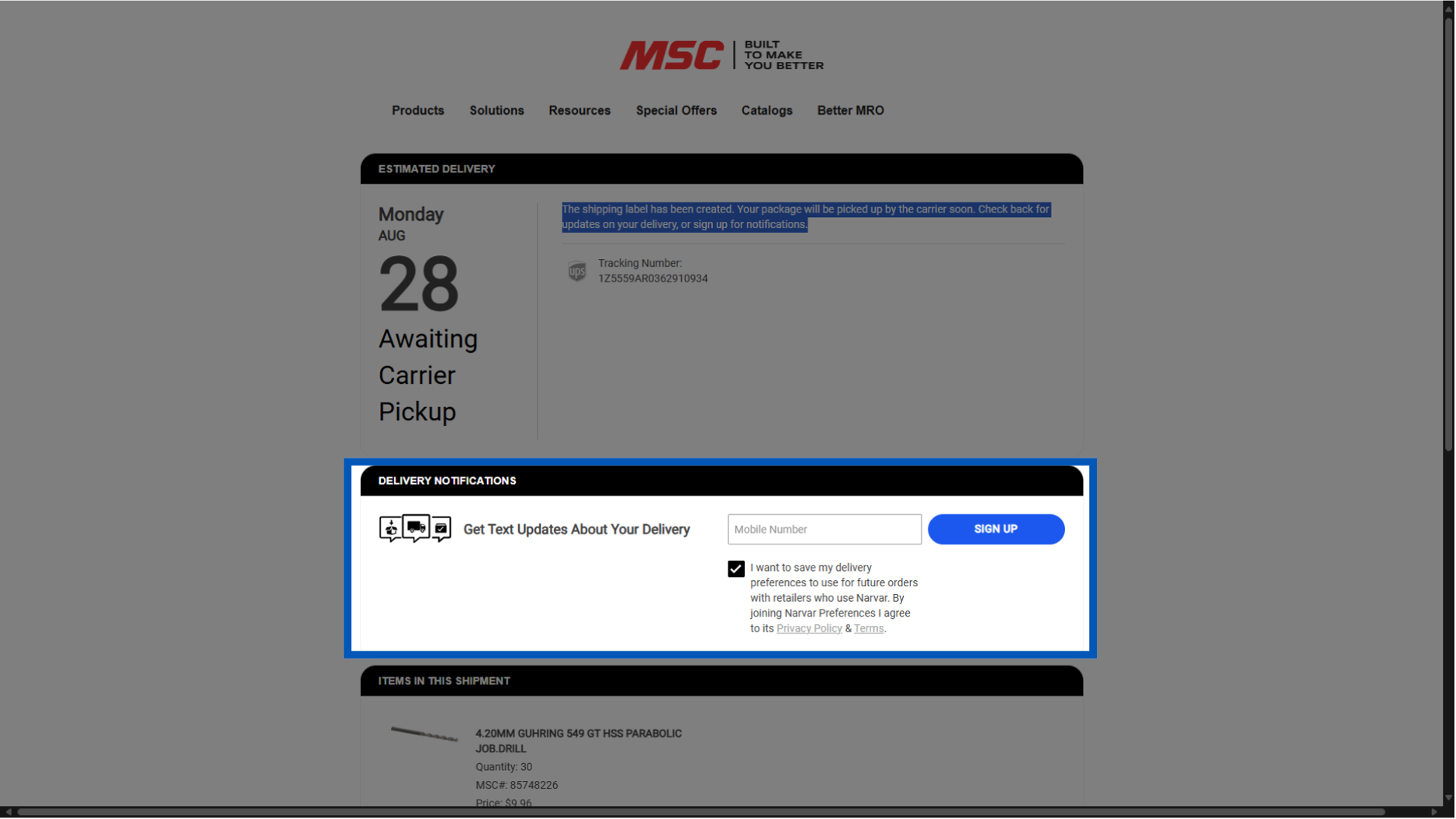
Entering your mobile number here will allow you to receive text updates on your package's movement. You will also be be able to set this as your default for later packages.
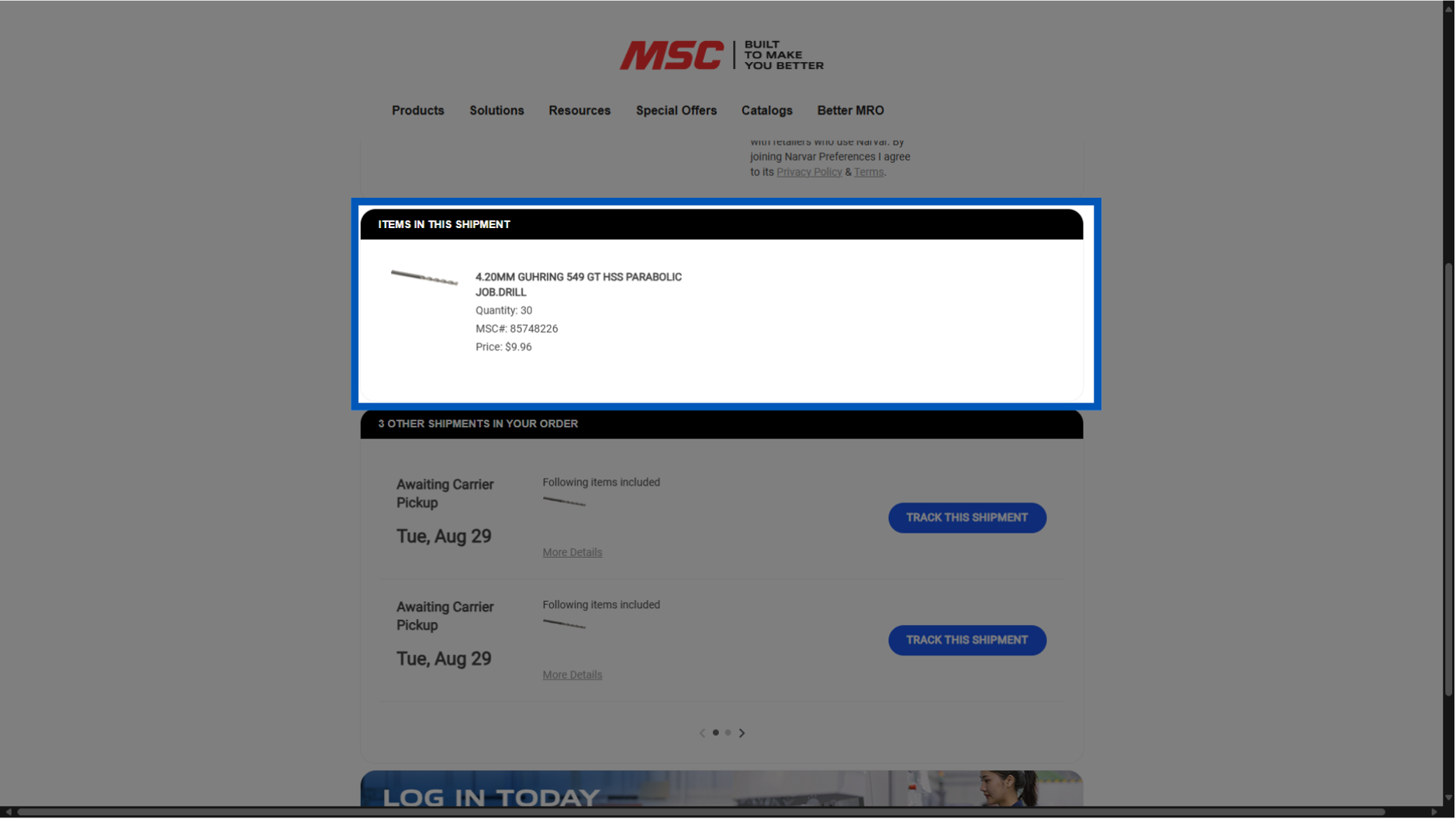
This specific shipment's items will be displayed here.
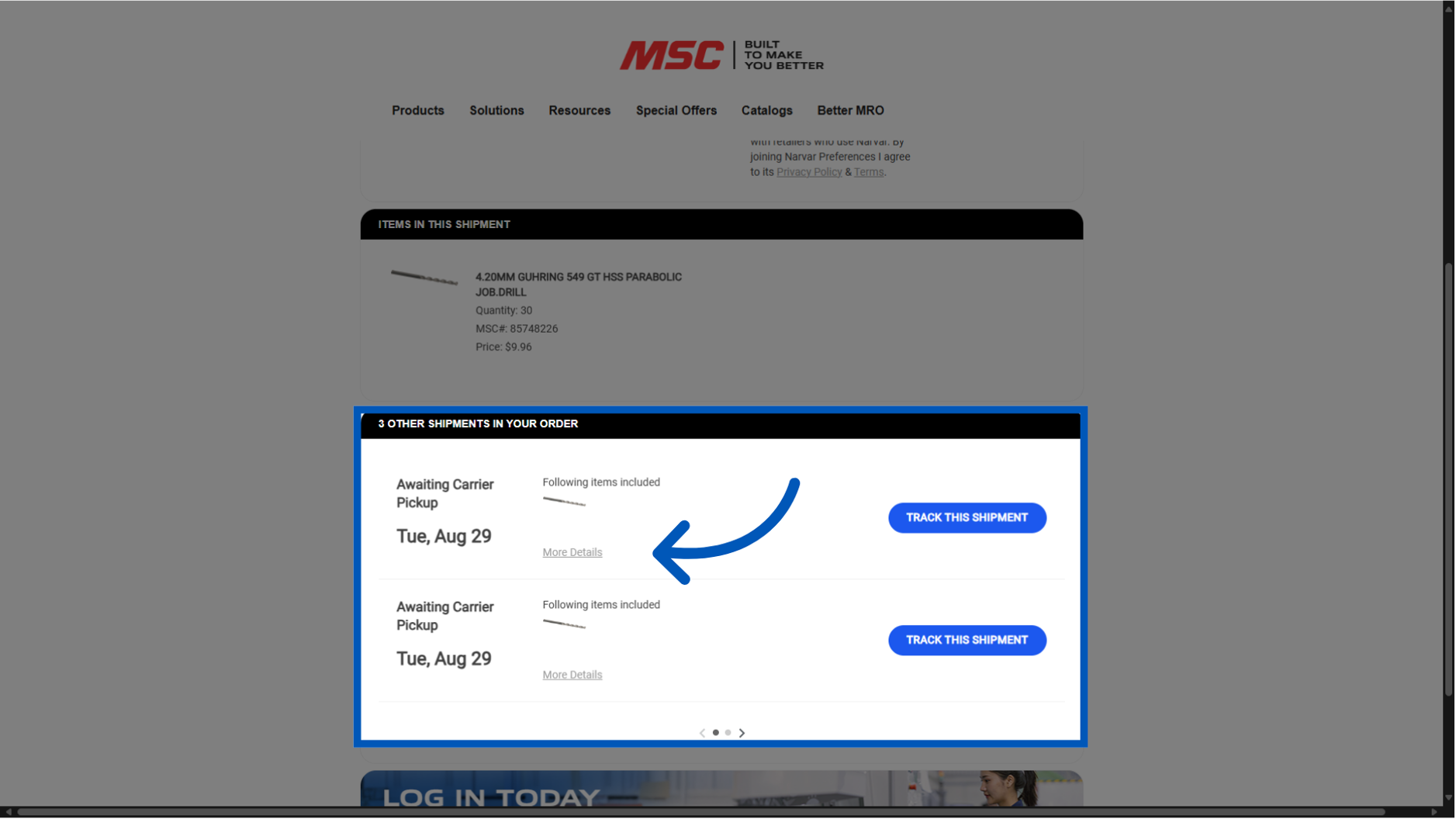
If your order was split into multiple orders, you will find the other order details here. Allowing you to keep track all packages relating to your order in one central location.
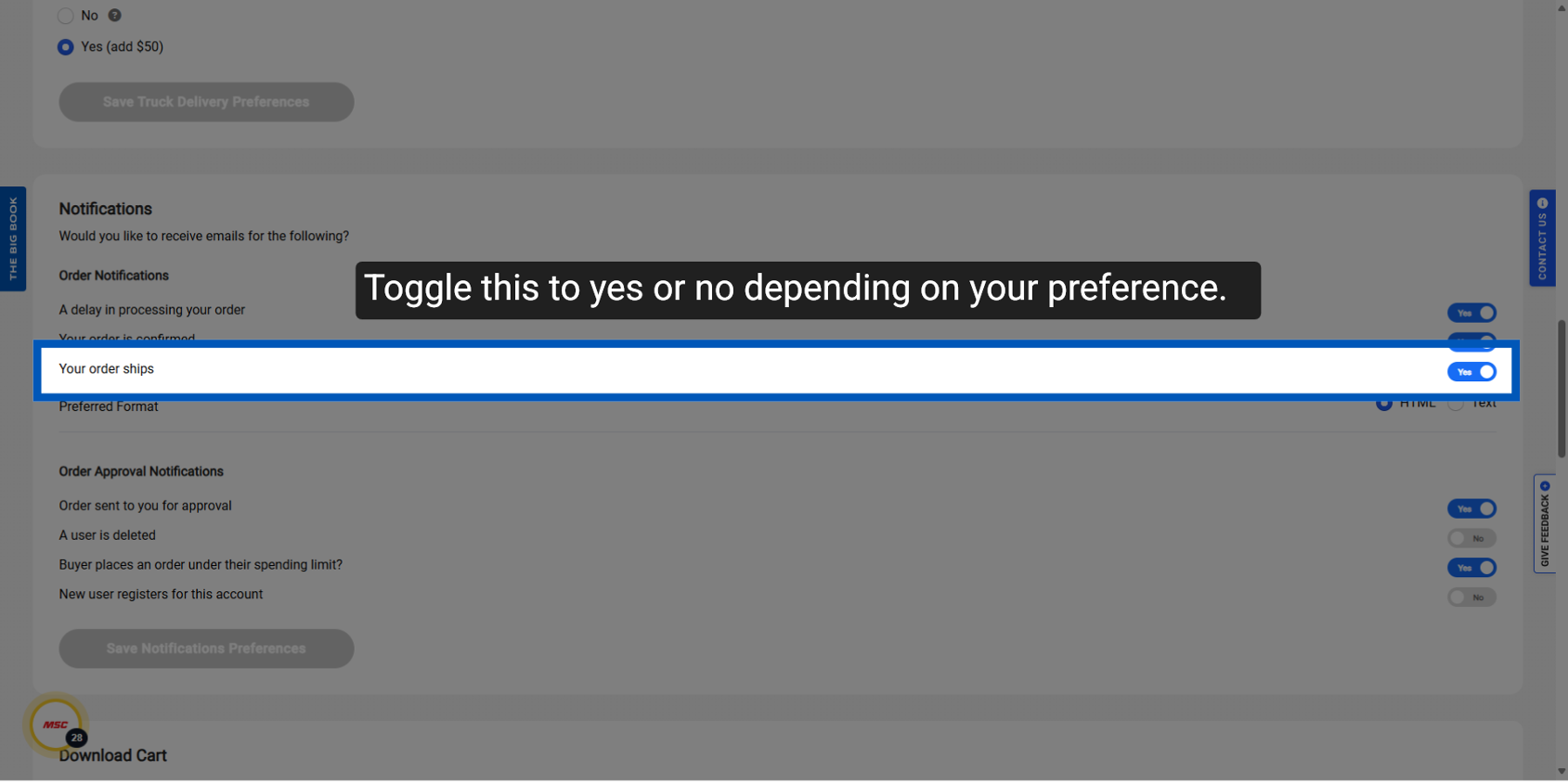
To opt out of receiving these notifications:
- Go to the "My Preferences" page on MSCDirect.com.
- Locate the "Notifications" section.
- Find the option labeled "Your order ships."
- Toggle this option from "Yes" to "No."
- After switching to "No," you will no longer receive email notifications from the order tracker.
To request a quote, please login to your existing account or register a new one. This helps us provide you with a personalized experience and keep track of your requests.