



Locating Your Account
Introduction:
This session will show you how to link an existing account that has not been assigned an account number to your existing corporate account. you will need these things to complete the process: Account number of account you wish to link to and billing zip code of that account number
Detailed Step by Step Guide:
Checking for Short Reg: You will learn how to complete what MSC calls a short registration or short reg to access your account seamlessly. Place your cursor on the account icon at the top of the page. If you see a field for the account number but no number is listed, you will need to link your account to your existing account.
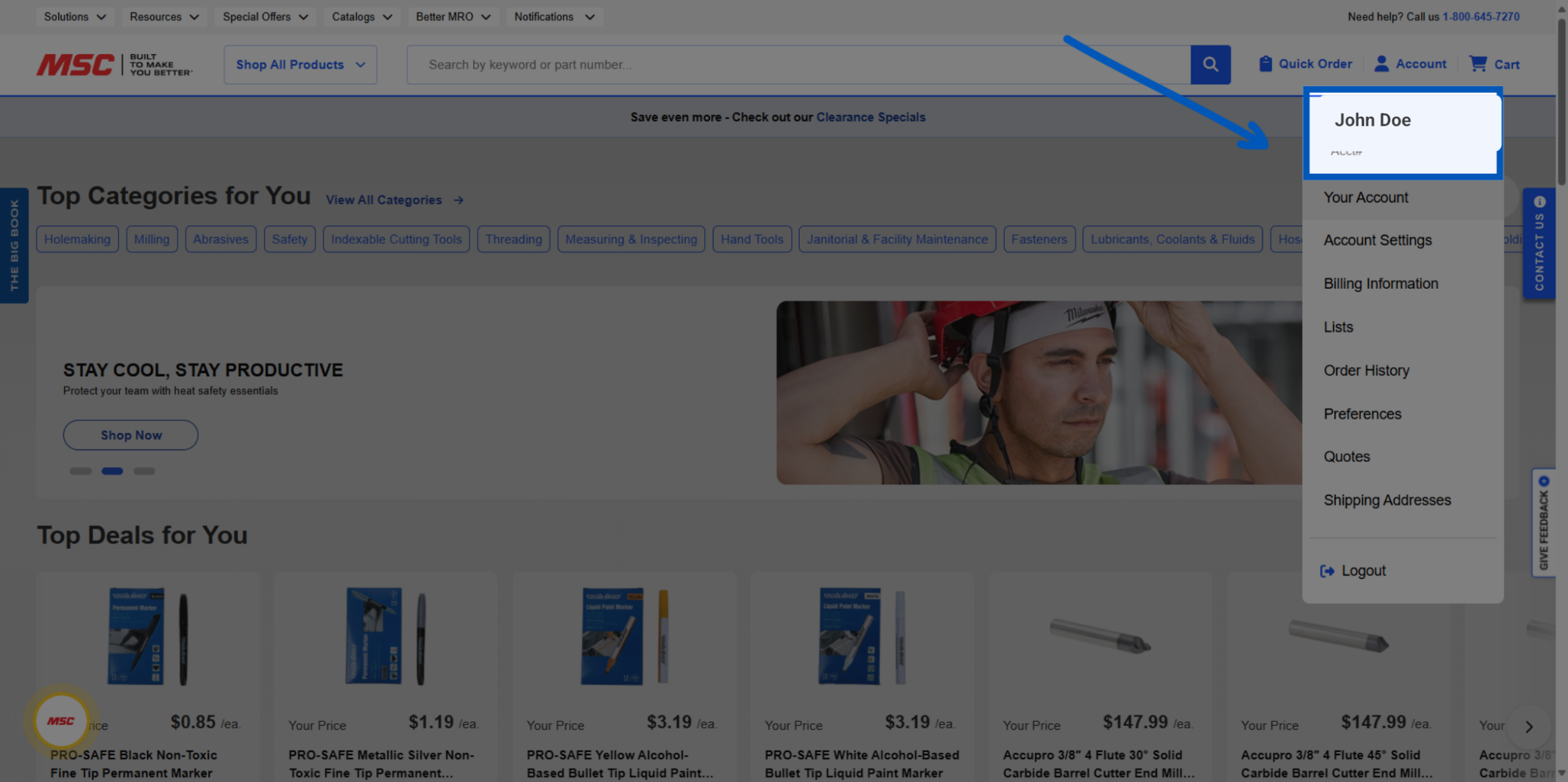
To link your account, click "your account".
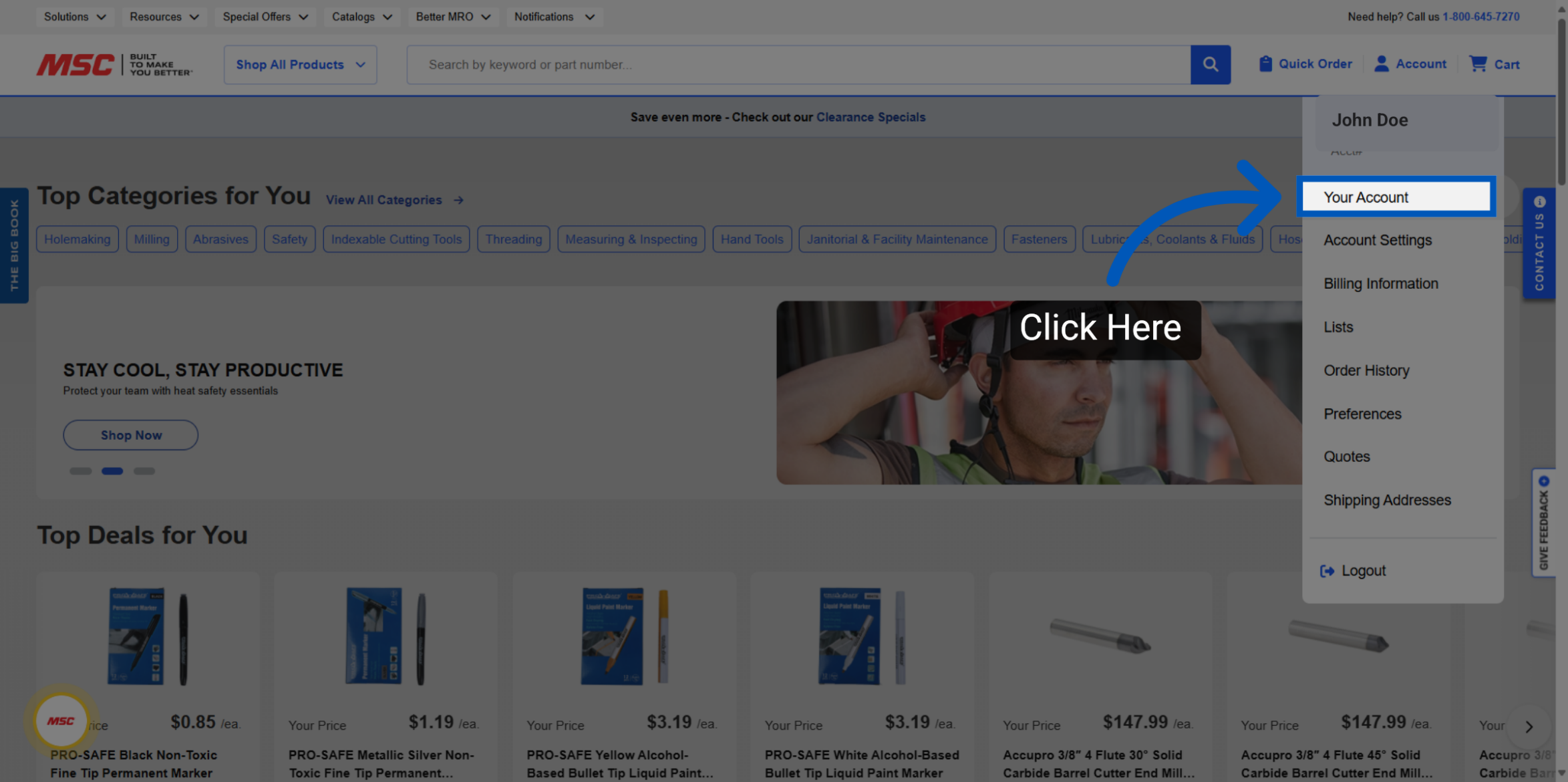
Click on the "Link to an existing account" option to proceed.
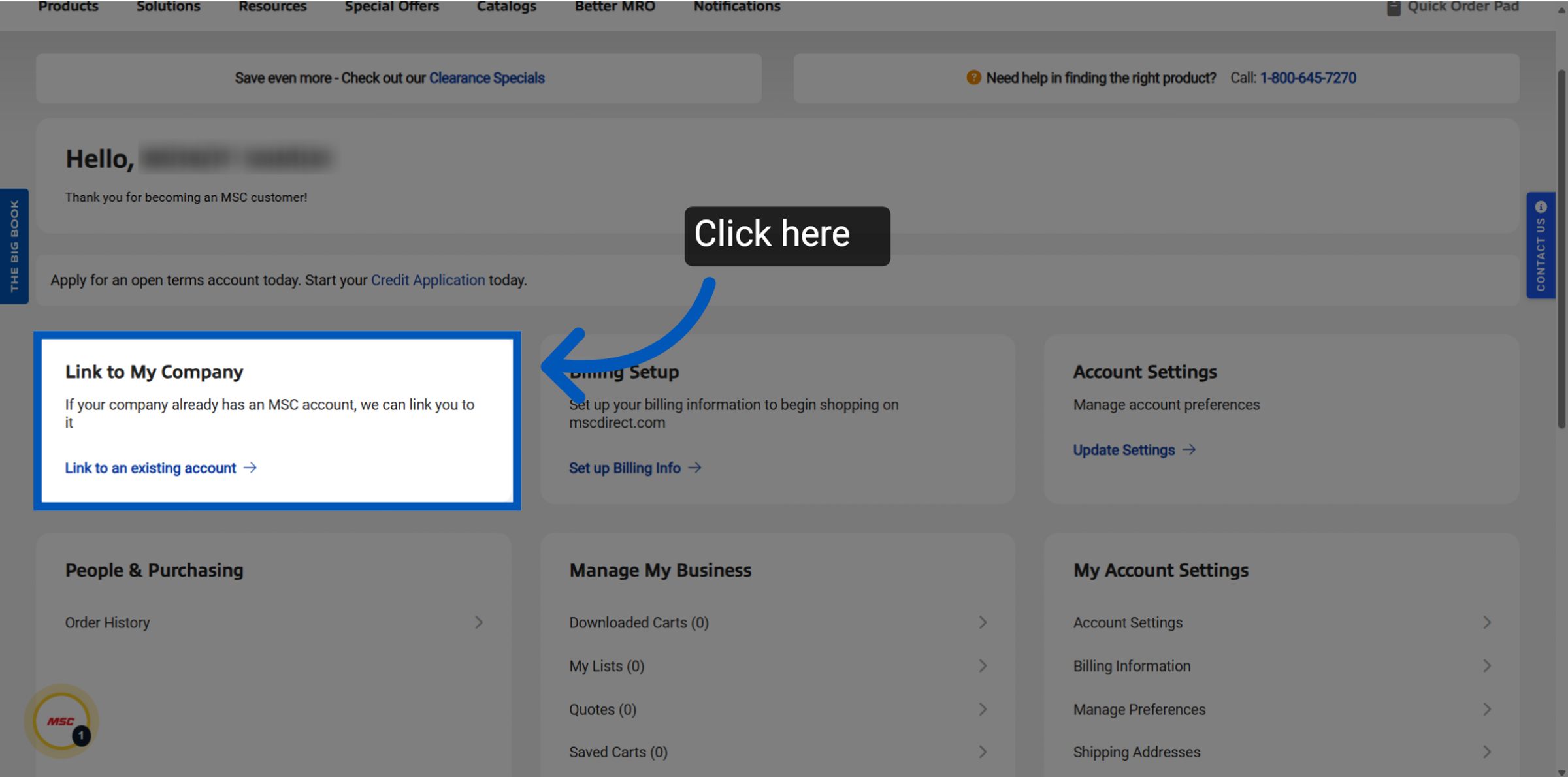
Enter the account number of the account you wish to link to in the provided form, and click connect account.
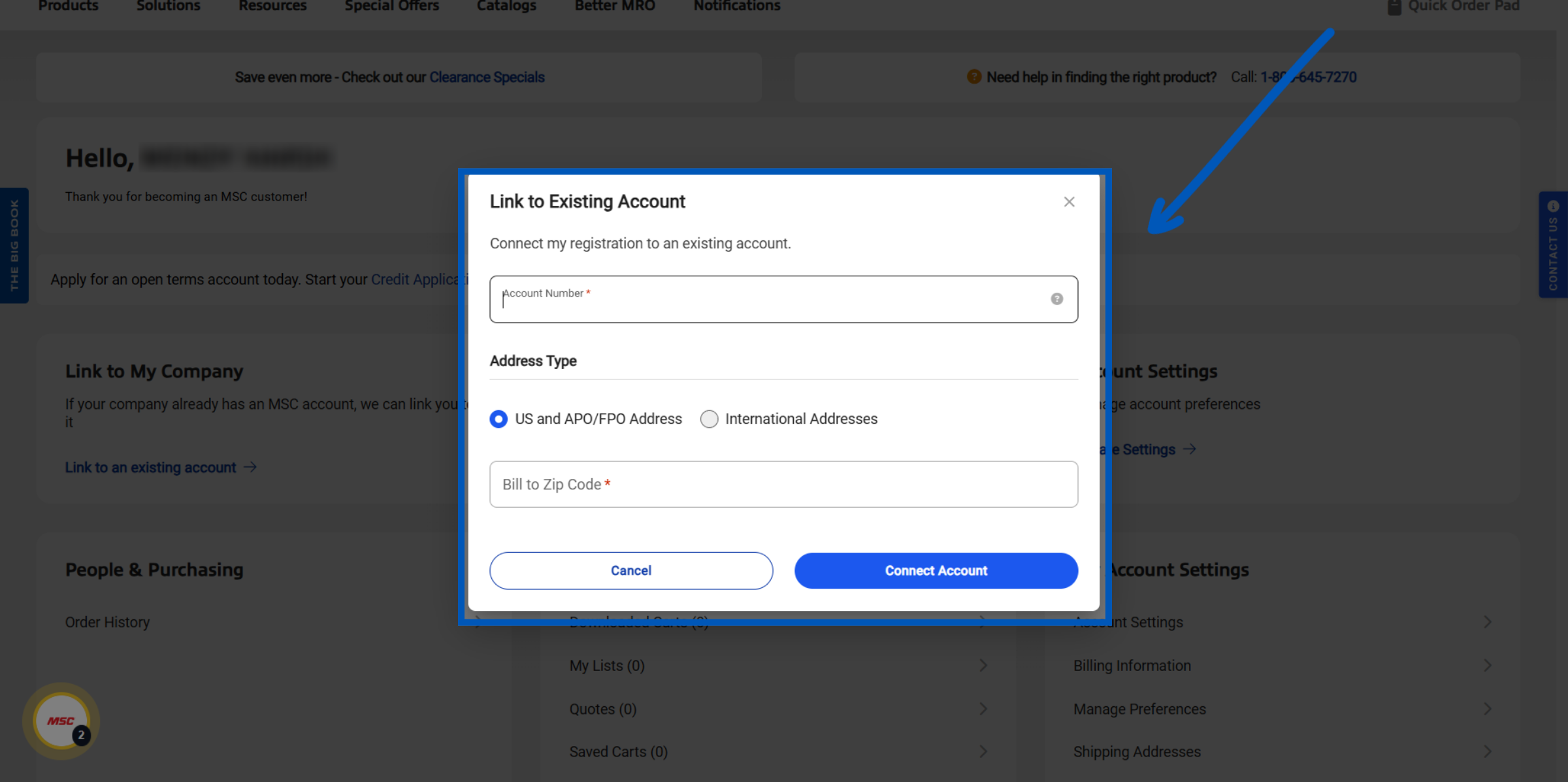
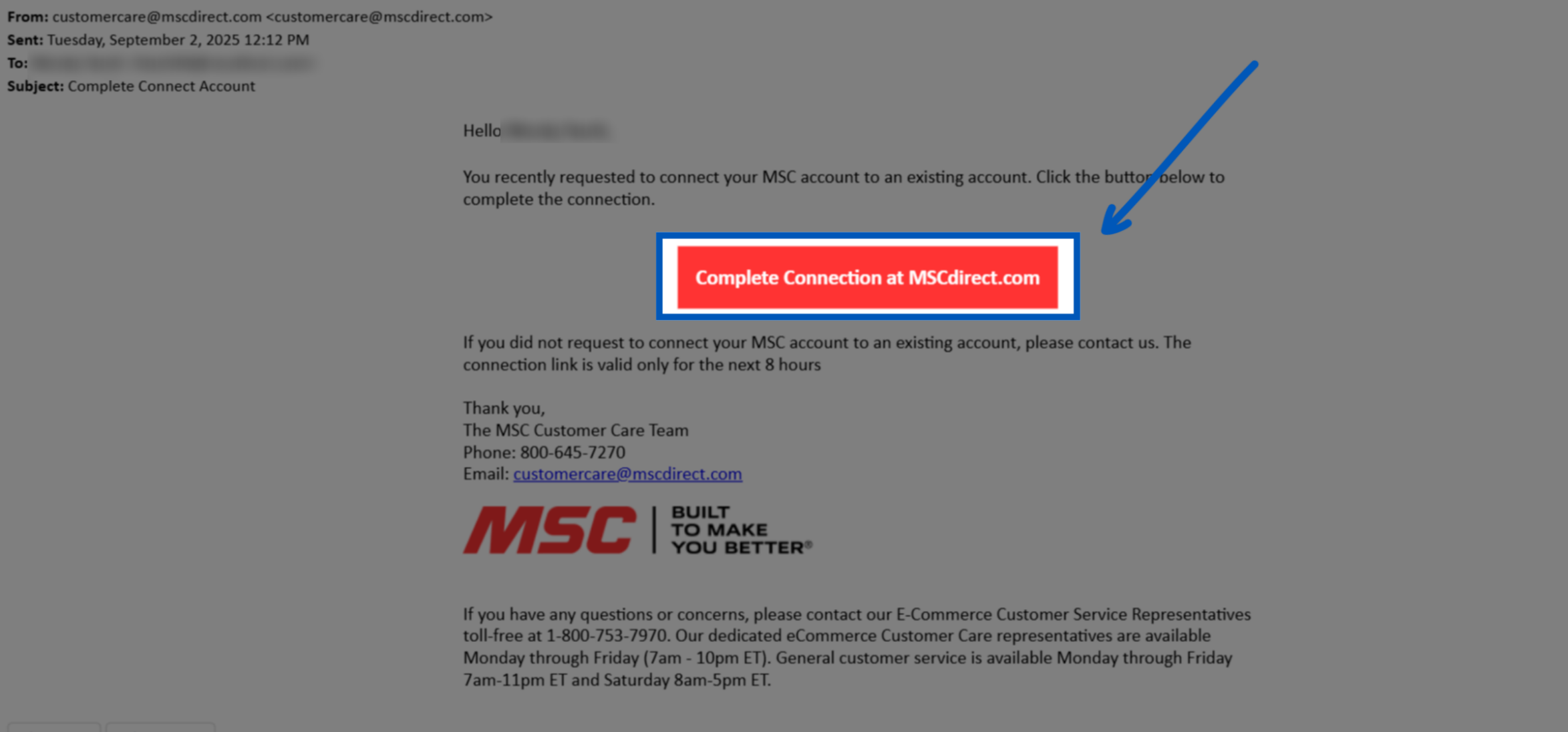
Upon linking the system will send an email containing a validation link, which you must click to complete the linking process; upon completion your account will have been successfully linked.
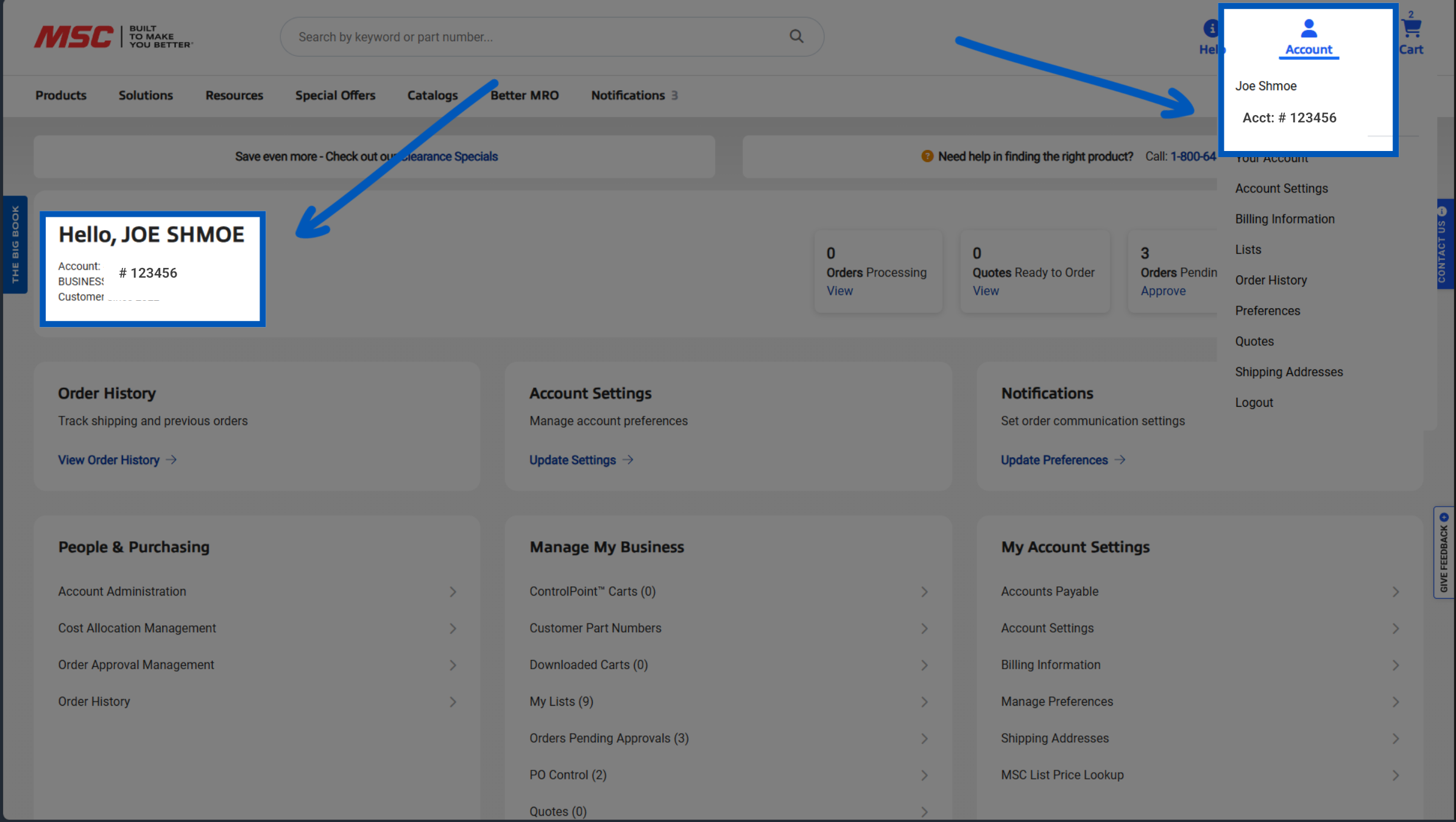
Upon logging in, you should now see the account number on both the landing page and the account dropdown at the top of the page.
More Account Management Resources
Back to Account ManagementTo request a quote, please login to your existing account or register a new one. This helps us provide you with a personalized experience and keep track of your requests.